

Workflows should feel like help, not hassle
Automation is everywhere, and the promise is simple: less manual work, more speed. But speed isn’t the whole story. If automation feels like a black box or pushes people into one-size-fits-all processes, teams stop using it because the workflow becomes a chore instead of easing the burden, which was the whole point in the first place.
Human-centered automation takes a different approach. It starts with the people who use the system every day. What slows them down? Where do they lose context? Which steps feel repetitive but still require judgment? The answers shape the automation, not the other way around.
Think about a release pipeline. A fully automated pipeline sounds great until an engineer needs to pause for a security review. If the system doesn’t allow that, the engineer hacks around it or ignores the process entirely. People-driven design builds on that missing flexibility. It gives people control when they need it and removes friction when they don’t.
Transparency matters, too. If a workflow moves a work item from “In Progress” to “Ready for QA,” the team should know why. Clear signals build trust. Hidden logic erodes it.
What it looks like in practice
Recently, we re-evaluated a workflow that wasn’t performing as intended. Some activities were solid, but others got lost, and the team was spending too much time chasing missed activities and trying to keep stakeholders informed.
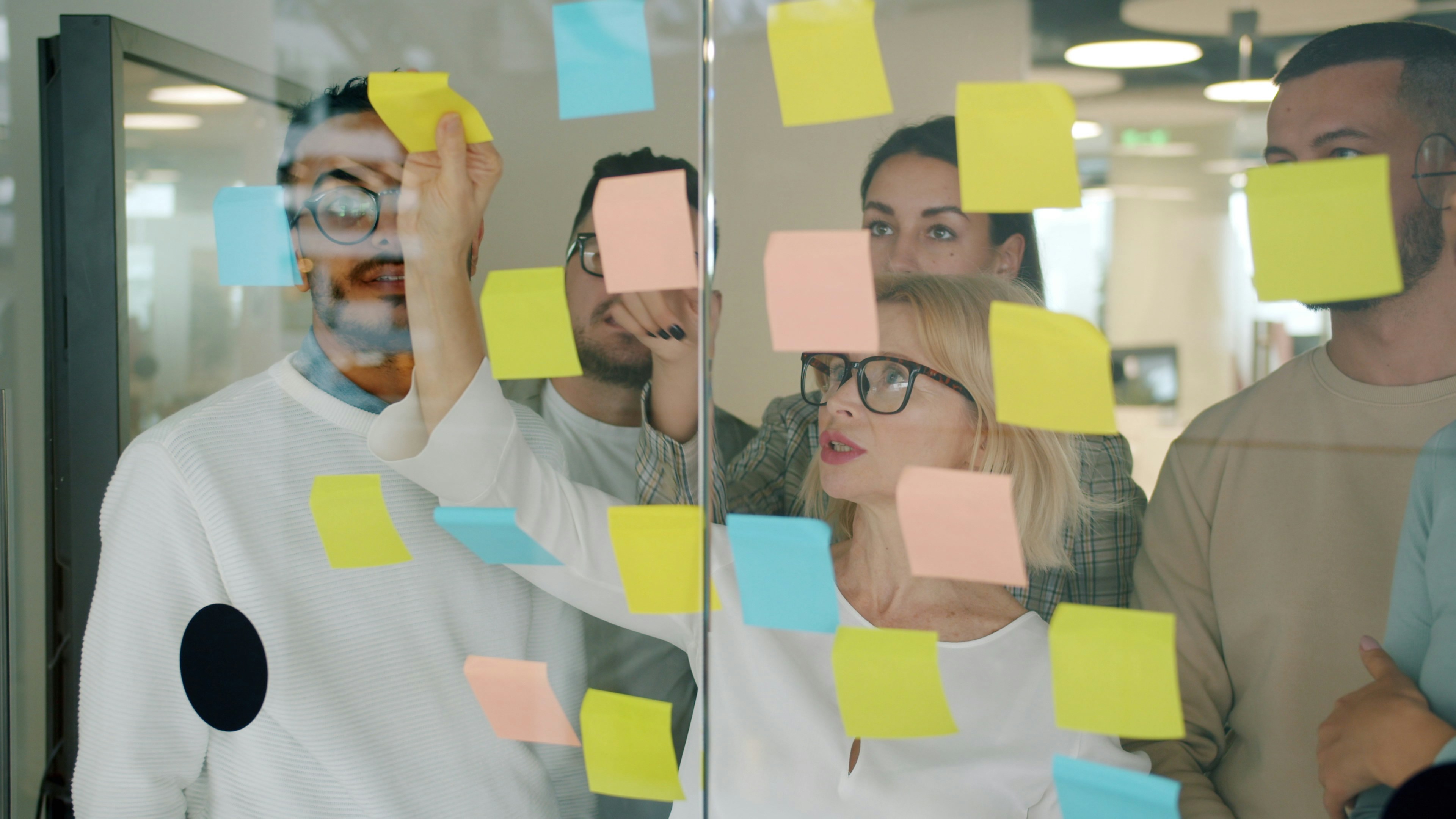
Instead of jumping in with a ready-made solution, the team was invited to a whiteboard session to map out their process. Together, they flagged the activities that landed on the "please fix" list, and we created an automation solution that addressed those concerns.
Processes were consolidated into a single platform to improve accessibility and streamline automation. Configurations reduced manual effort by connecting resources, triggering notifications for required actions, and organizing tasks for timely updates. Information was prepared, reviewed, and shared through an approval flow, with relevant stakeholders informed as necessary.
Every few weeks, the team met to review what worked and what needed improvement. The workflow kept evolving. When the system felt right, full ownership was handed to the team.
The challenges
Human-centered automation isn’t plug-and-play. It takes effort to map workflows, gather feedback, and iterate, especially when every team has its own way of working and no two processes look the same. It also requires restraint. Automating everything can be tempting, but not everything should be automated. Some steps need human judgment. Others need flexibility for edge cases. The real trick is finding the right balance.
How to start
- Pick one workflow that causes the most pain.
- Involve the people who use it every day.
- Automate the boring and routine parts, not the critical decisions.
- Add feedback loops so the system evolves with the team.
Good automation respects the people behind the process. Automation should feel like progress, not pressure. When automation feels intuitive, adoption happens more naturally. People are able to stop thinking about logic or tools and start focusing on the work. The result is faster innovation without the side effect of frustration.
